
Welcome to the yōjō pilot,
where we help you do you, better
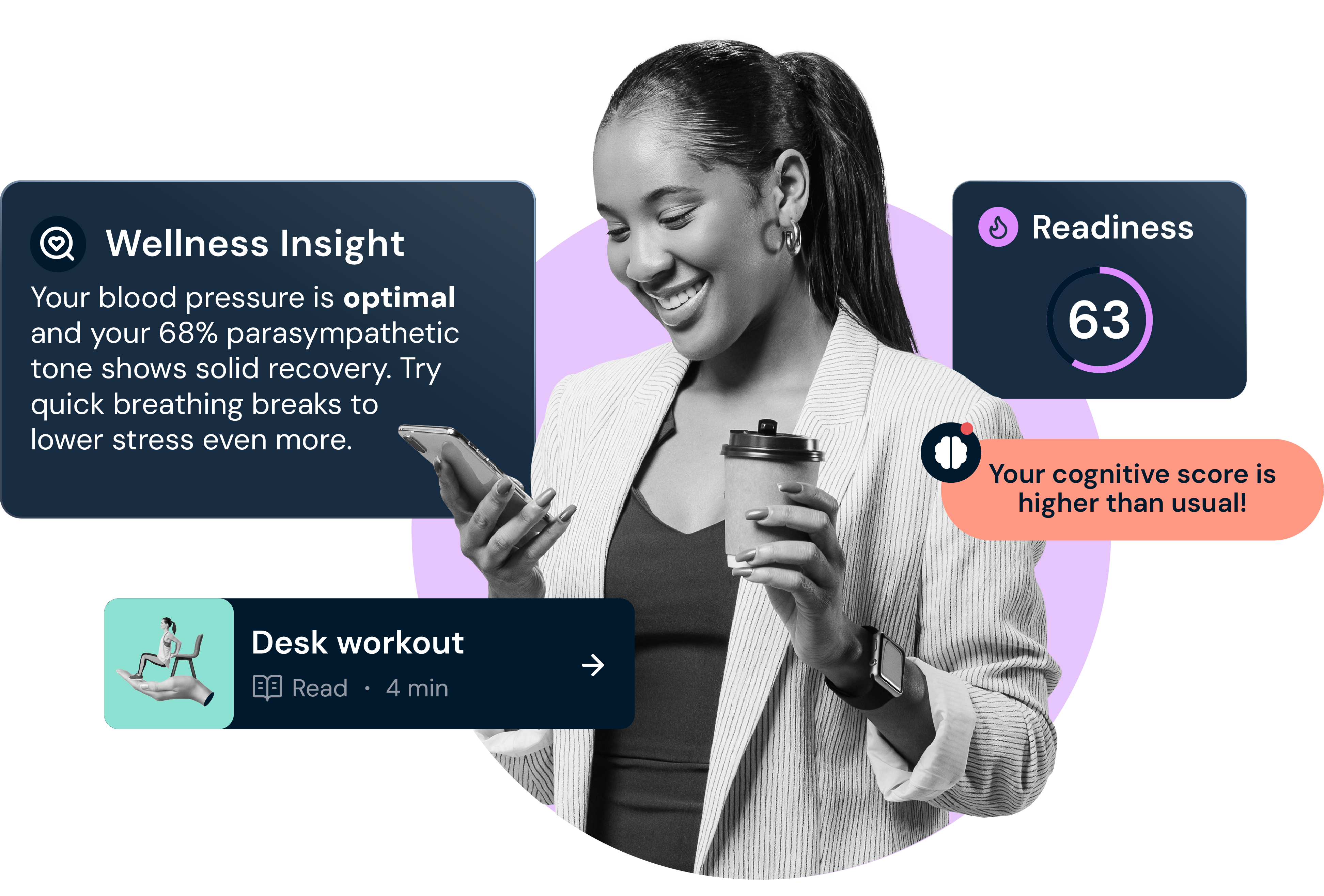
How to access the yōjō app
For the first phase of this pilot, we're giving you access to the yōjō app via TestFlight. This will allow us to test and improve the app in real time. Your feedback will be incorporated quickly and visibly, with changes made live and ready for further input.
Please follow the instructions below to access the app through TestFlight.
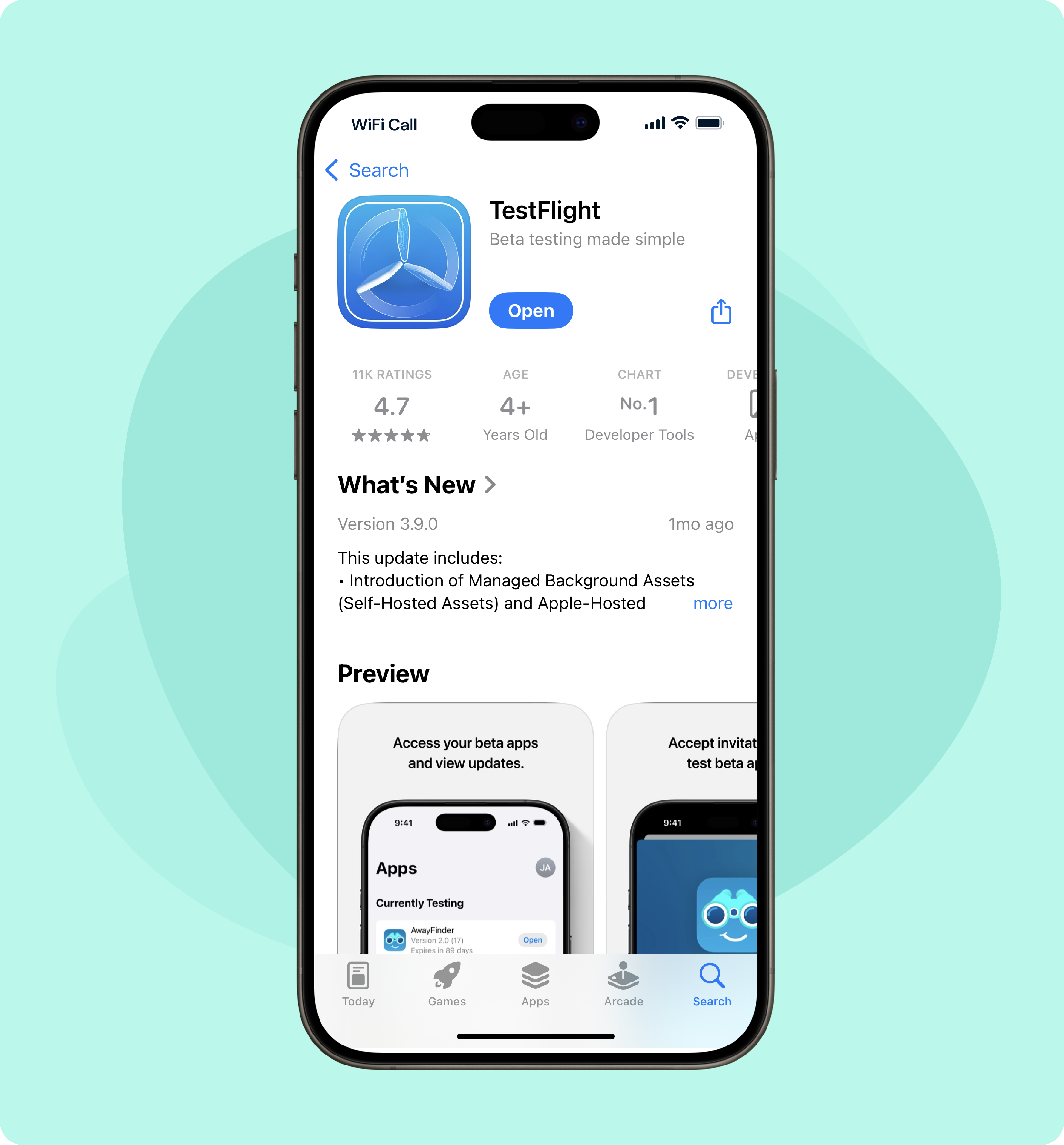
Download TestFlight
Download the TestFlight app on your mobile device by clicking the link below.
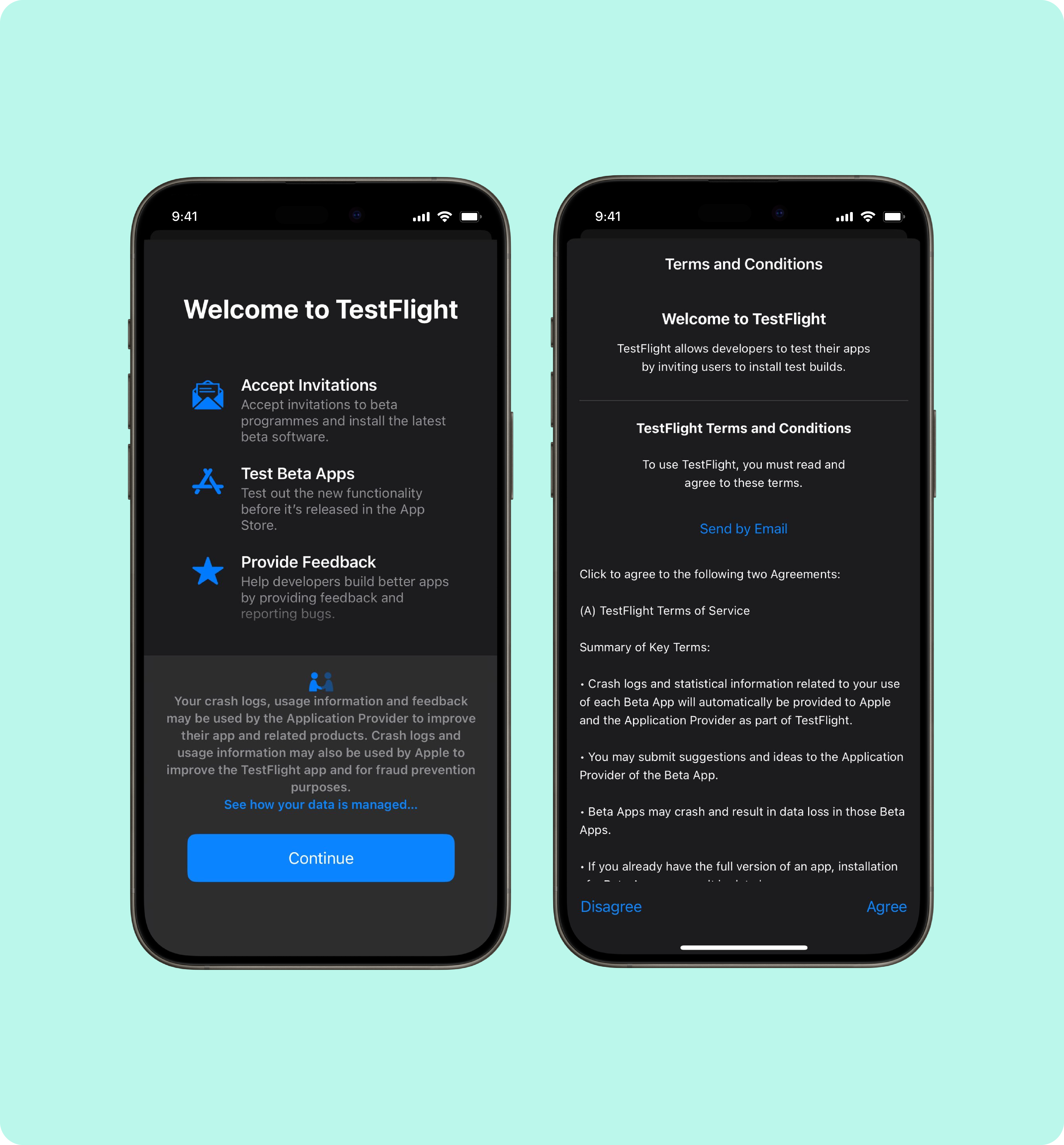
Set up TestFlight
Once downloaded, open the TestFlight app, click 'Continue', and agree to the T&Cs.
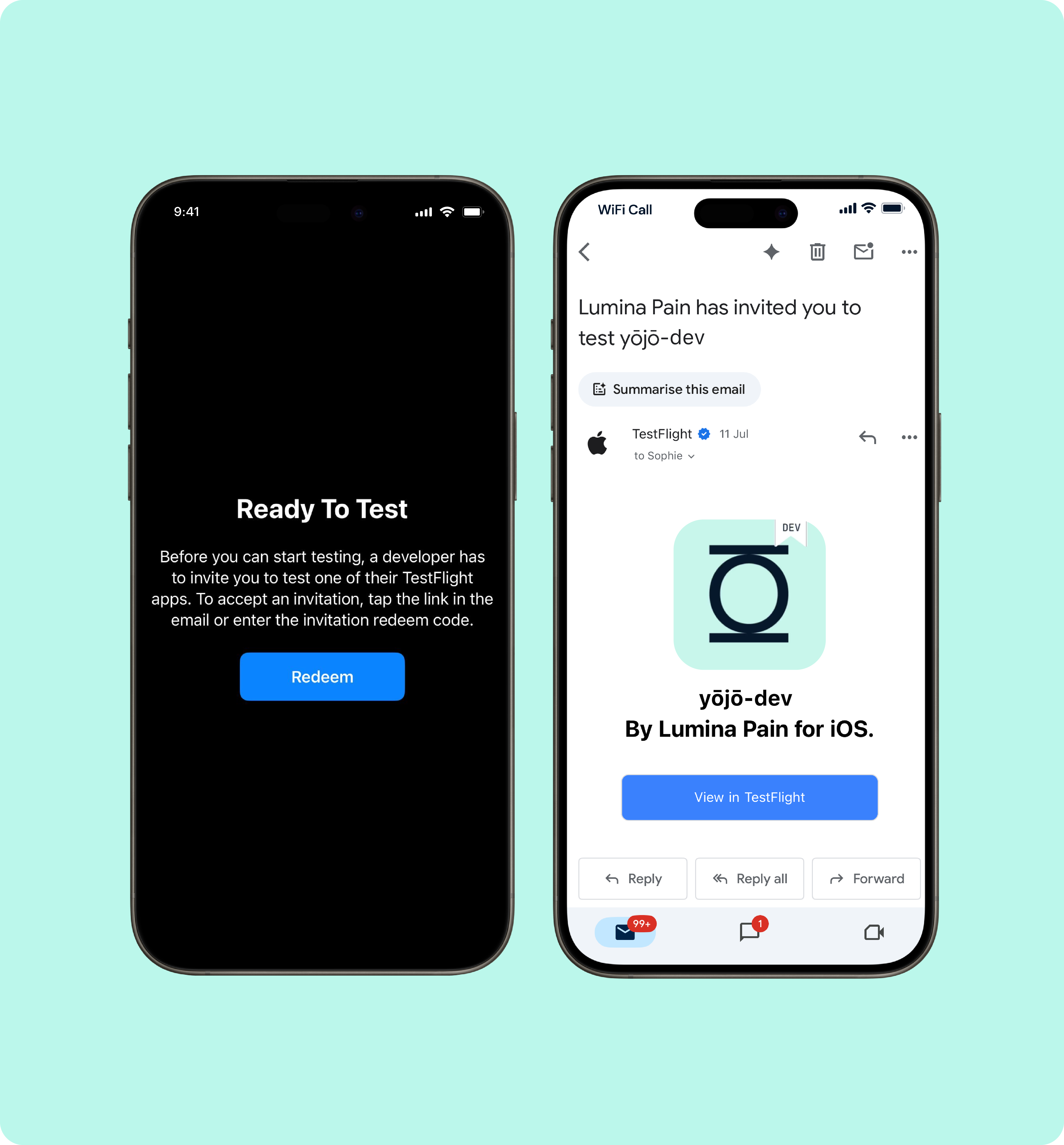
Access the yōjō app
When TestFlight is set up, click the link below from your mobile device to access the yōjō app.
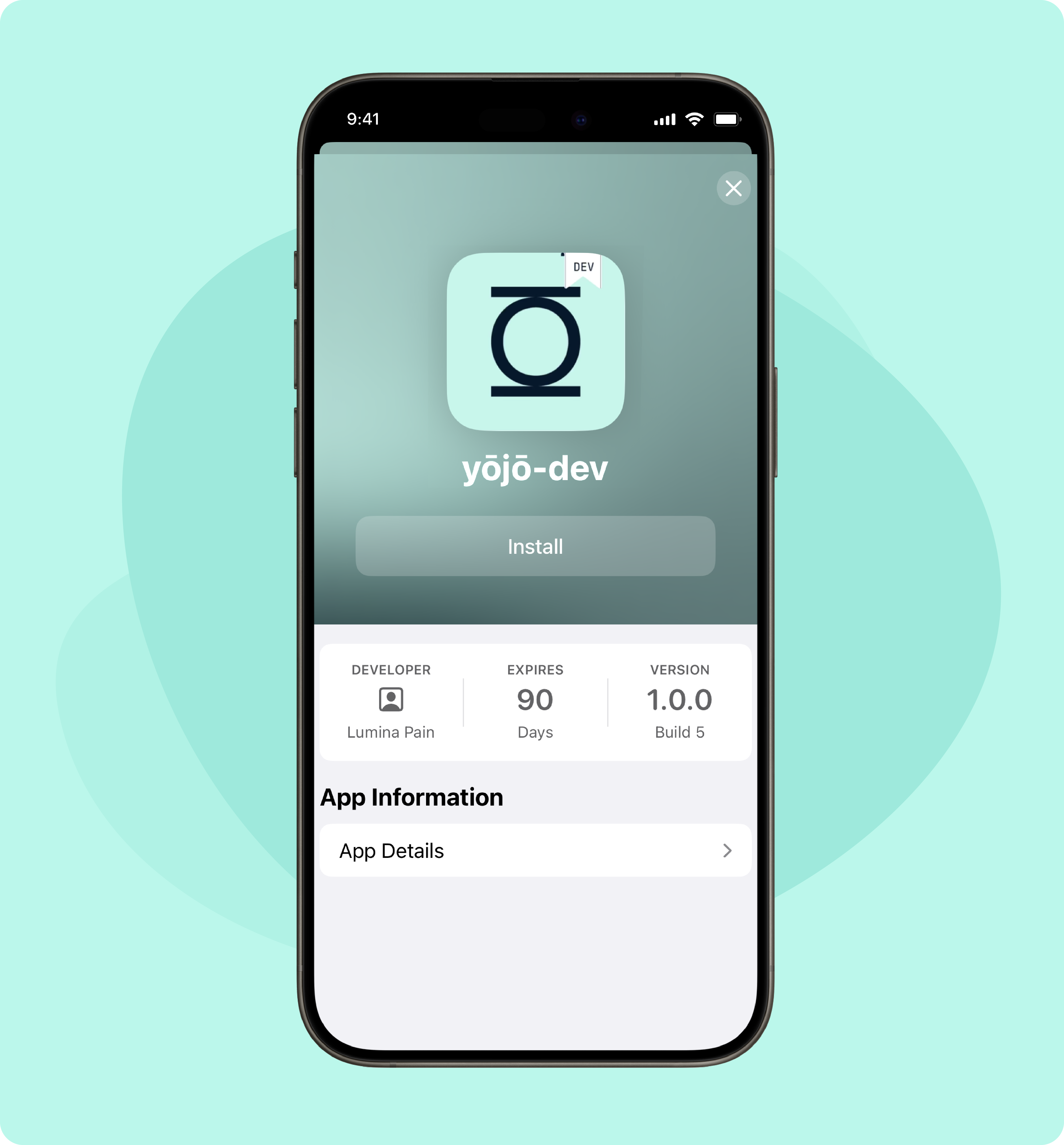
Install the app
Click 'Accept' and then 'Install' to download the yōjō app.
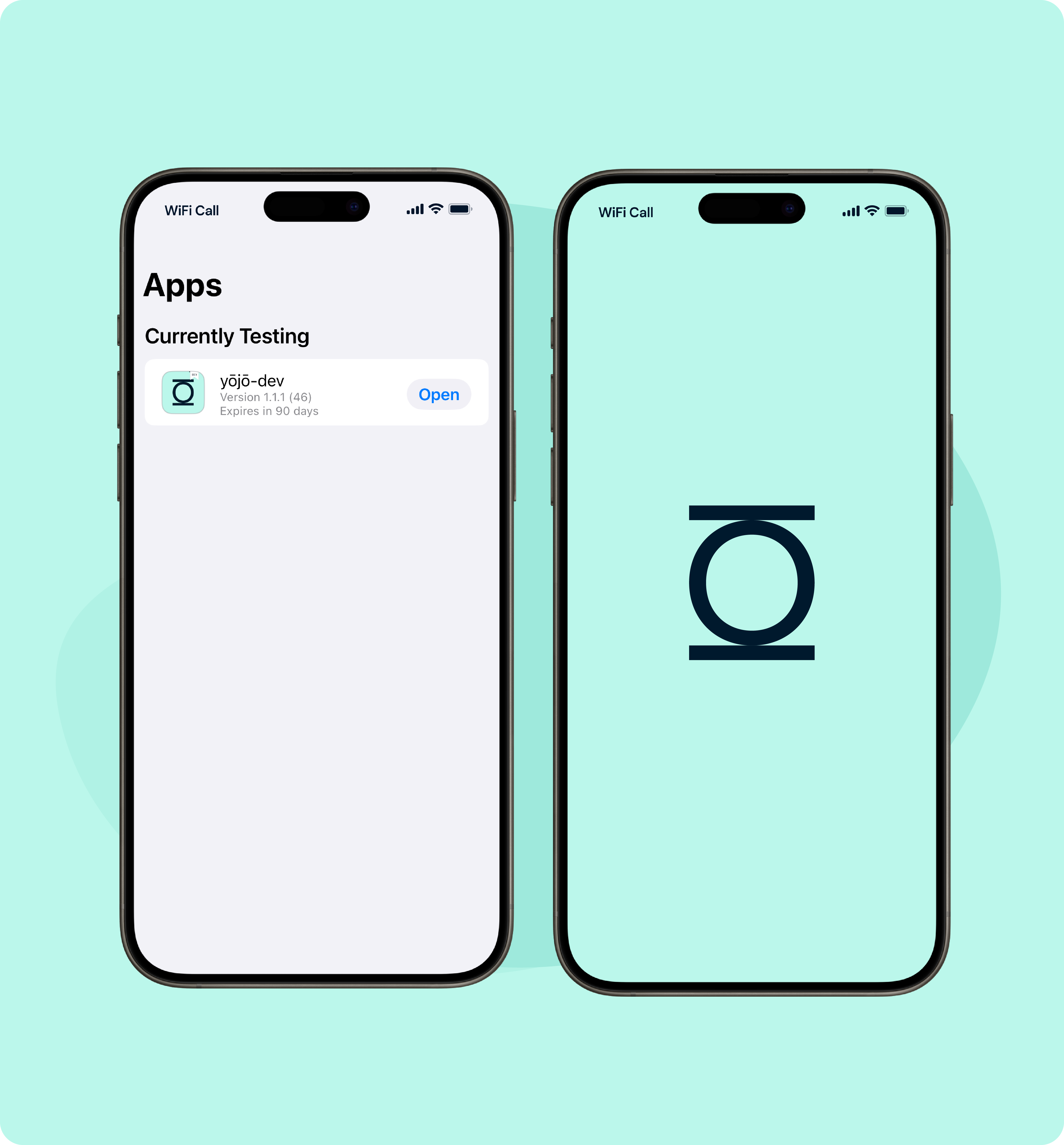
Start exploring
Open the yōjō app, register your account, and start exploring.
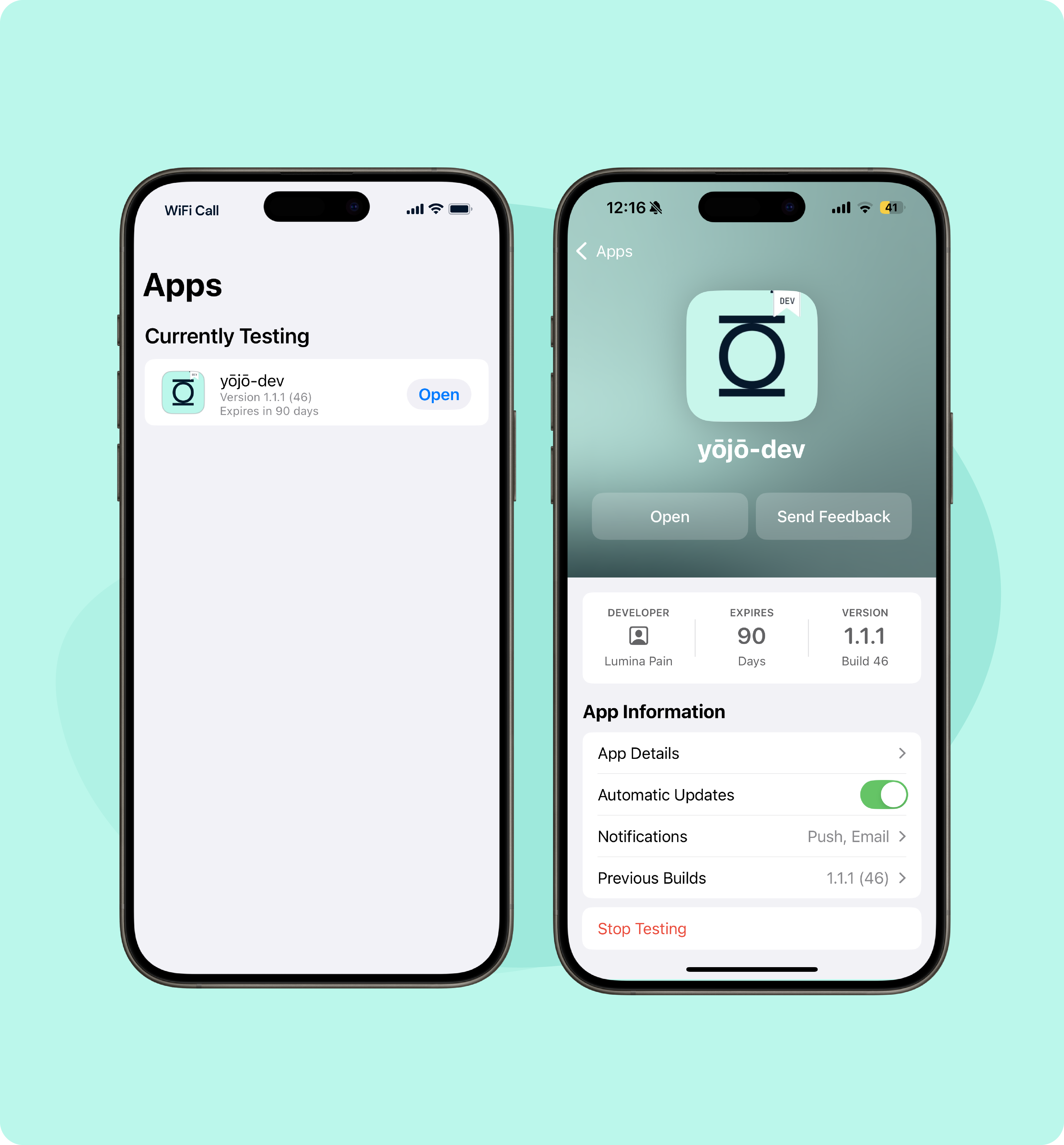
Enable Automatic Updates
Click on the yōjō app in TestFlight and switch on automatic updates to ensure you always have the latest features and improvements.
Ready to conquer stress and maximize performance?
Please contact us if you experience any technical issues or need assistance accessing the yōjō app.